What are office lenses?
Office lenses, also called occupational or workplace lenses, are designed around near and intermediate distances: a page, a keyboard, a screen and the space just beyond it. Unlike general-purpose varifocals, they are not intended to give clear vision far down the road. The trade-off is a wider, more comfortable viewing area for the distances that matter during a working day. They are a second pair for sustained tasks, not an all-day replacement for your everyday glasses.
Why your usual glasses may not suit the desk
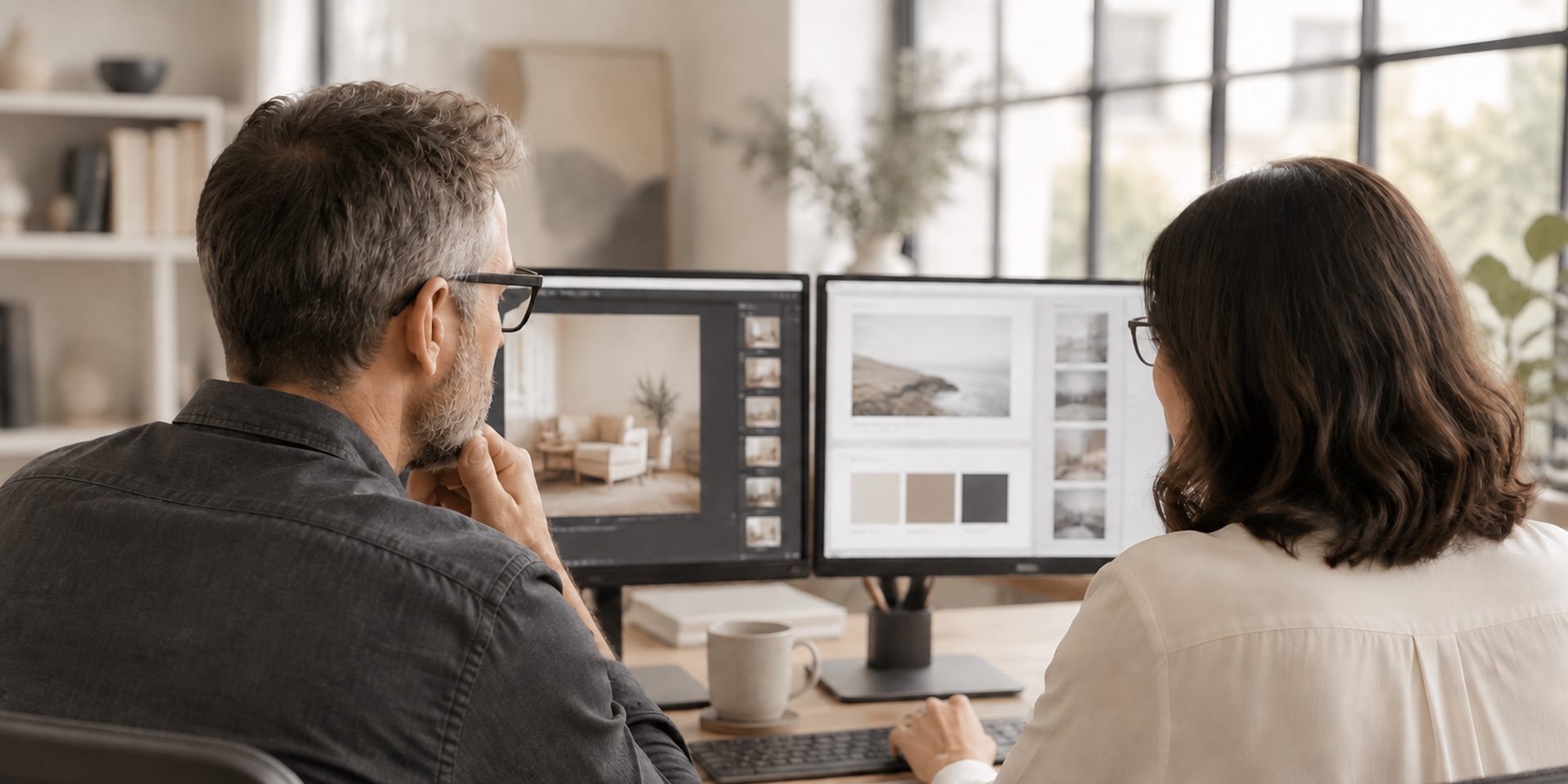
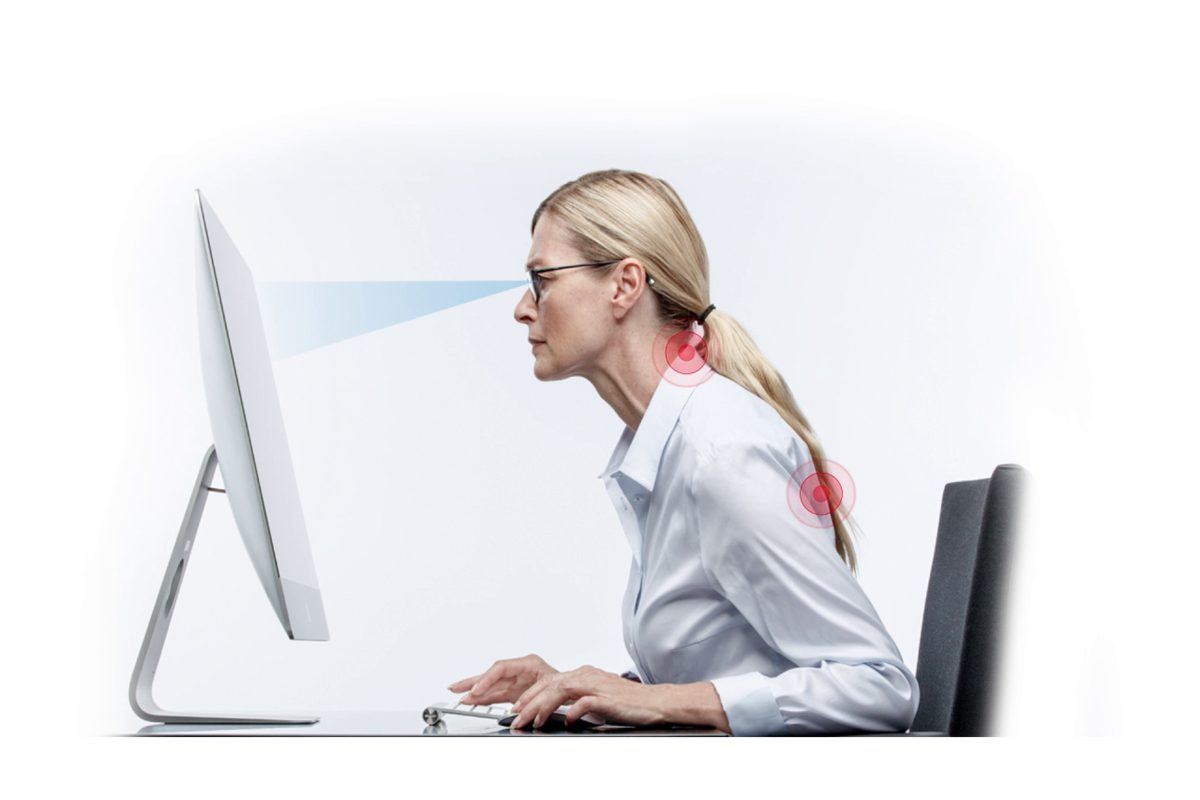
Reading glasses show close objects clearly, but a screen sits farther away, so you may lean forward to see it and end the day with a sore neck. Varifocals cover every distance, but their intermediate band is comparatively narrow, which can mean lifting the head to reach the screen. Distance single vision lenses make the eyes work harder at close range. ZEISS describes these as the typical visual challenges of working in glasses that were not designed for the job, and office lenses as the option built specifically for those hours.
Working distances: book, near, room and individual
ZEISS builds its office designs around a maximum intermediate distance — the farthest point the lens is optimised for. Its published types are Book (clear vision to about 100 cm, for reading and close detail), Near (about 200 cm, for a screen and the desk around it), Room (about 400 cm, for a reception desk or a wall-mounted display) and Individual, where that distance is set anywhere between 100 cm and 400 cm to match your own setup. Tell us where your screen sits and how far you look beyond it, and we can narrow the choice down with you.
ZEISS Officelens Plus, Superb and Individual
The ZEISS office portfolio is published at three design levels. Officelens Plus and Officelens Superb use a fixed maximum intermediate distance from the published options, with Superb offering a wider, more individually balanced view. Officelens Individual is the most customised of the three: the working distance is set to your own measurement between 100 cm and 400 cm, and the design takes account of your centration data, near working distance and frame dimensions. Higher levels are not automatically better for every wearer; the right level depends on your prescription, your tasks and your frame.
The technologies behind the design
ZEISS describes several technologies used across its office lens range. Maximum Intermediate Distance (M.I.D.) technology tailors the lens to your near-to-intermediate requirements. Digital Inside technology is intended to support a quick transition to the near zone, so fewer head and eye movements are needed between devices. FaceFit technology takes facial anatomy into account, FrameFit+ technology optimises performance in the chosen frame, and Precision technology relates to the freeform finishing of the lens. UVProtect technology is described as blocking UV up to 400 nm, the same standard ZEISS gives its premium sun lenses — useful even indoors, near windows.
Who benefits most
Office lenses suit people who spend long, fixed stretches at a desk, a machine, a workbench or a reception counter. ZEISS also presents them as a helpful option for varifocal wearers who struggle to keep near vision clear and comfortable, notice peripheral distortion or find depth judgement limited at the computer. They can equally suit someone who simply wants a dedicated pair for work rather than asking one pair of glasses to do everything.
What office lenses don’t do
They do not provide the distance range of everyday glasses, so they are not suitable for driving or for walking around outside, and you should not expect to see across a room in them. They are not a treatment for eye strain either: tired, dry or gritty eyes during long screen sessions usually have several causes, including blinking less, unbroken focus and lighting. An eye examination remains the starting point, and any lens advice follows from what that examination and a conversation about your working day show.
Personalised fitting at i2i
For every pair of glasses purchased, we measure your pupillary distance, fitting heights and other key measurements using our state-of-the-art ZEISS VISUFIT dispensing technology. For office lenses we also want the practical details: how far your screen sits, whether you use a second monitor or a laptop on a stand, and what else you need to see from your chair. Those measurements and details are what allow a task-specific lens to be positioned correctly in the frame you have chosen. VISUFIT measurement is free at i2i Optometrists, Howard Street.